Set Default Allow Partial on all Orders
Learn how to set Default Allow Partial for all orders
Accessing Account Settings
To begin, under the
My Account tab, click on Settings from the dropdown menu to access your Account Settings page.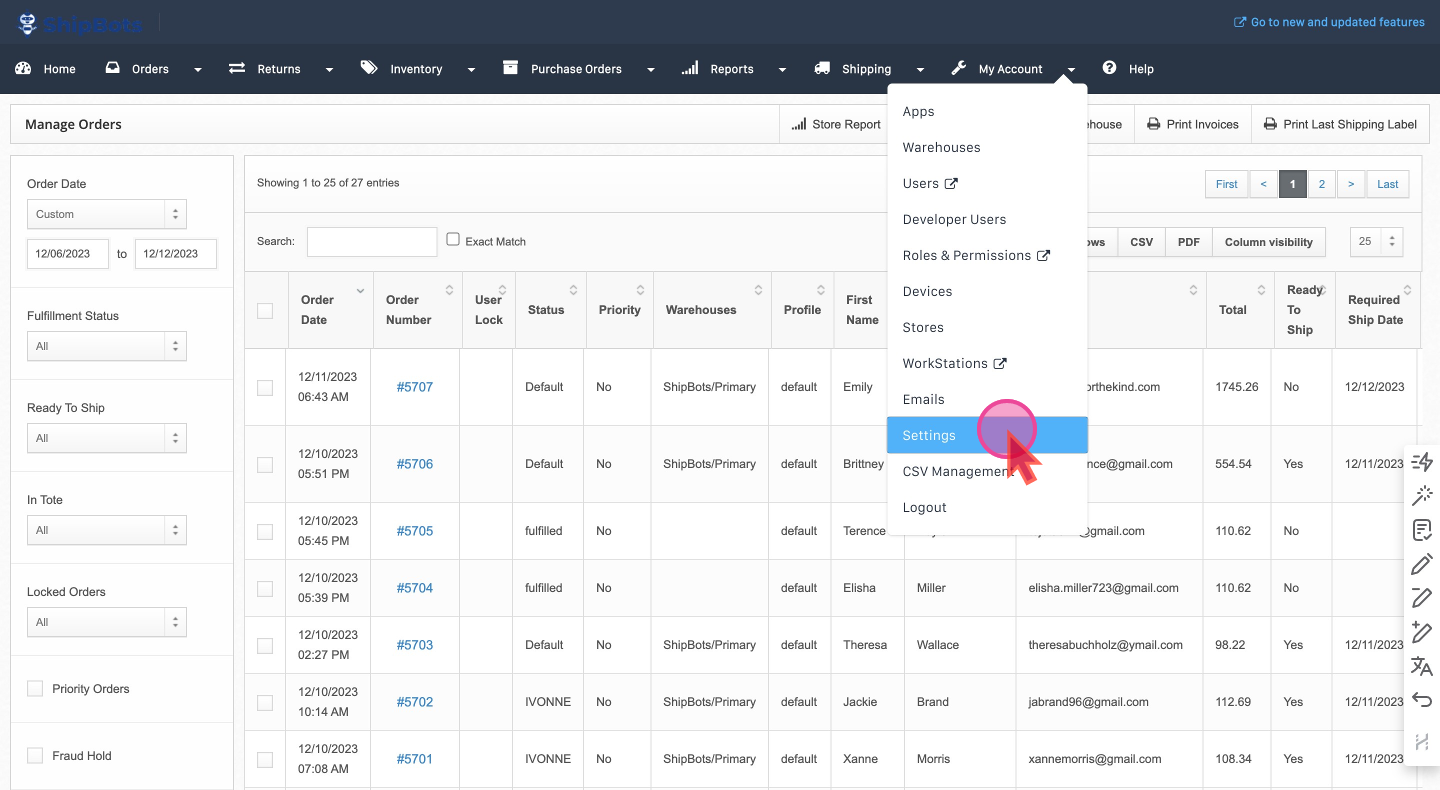
Enable Default Allow Partial
Scroll down the General Preferences section to find
Default Allow Partial. Tick it and click on Save ChangesWith this setting activated, the
Allow Partial option will be automatically applied to all orders, permitting them to be picked, packed, and dispatched even if the full inventory required for the order is not in stock.Did this answer your question?